Customizing images
DAMAP proivdes a built-in customization interface that allows administrators to change the images at runtime through Admin Page → Colors Page.
Page structure
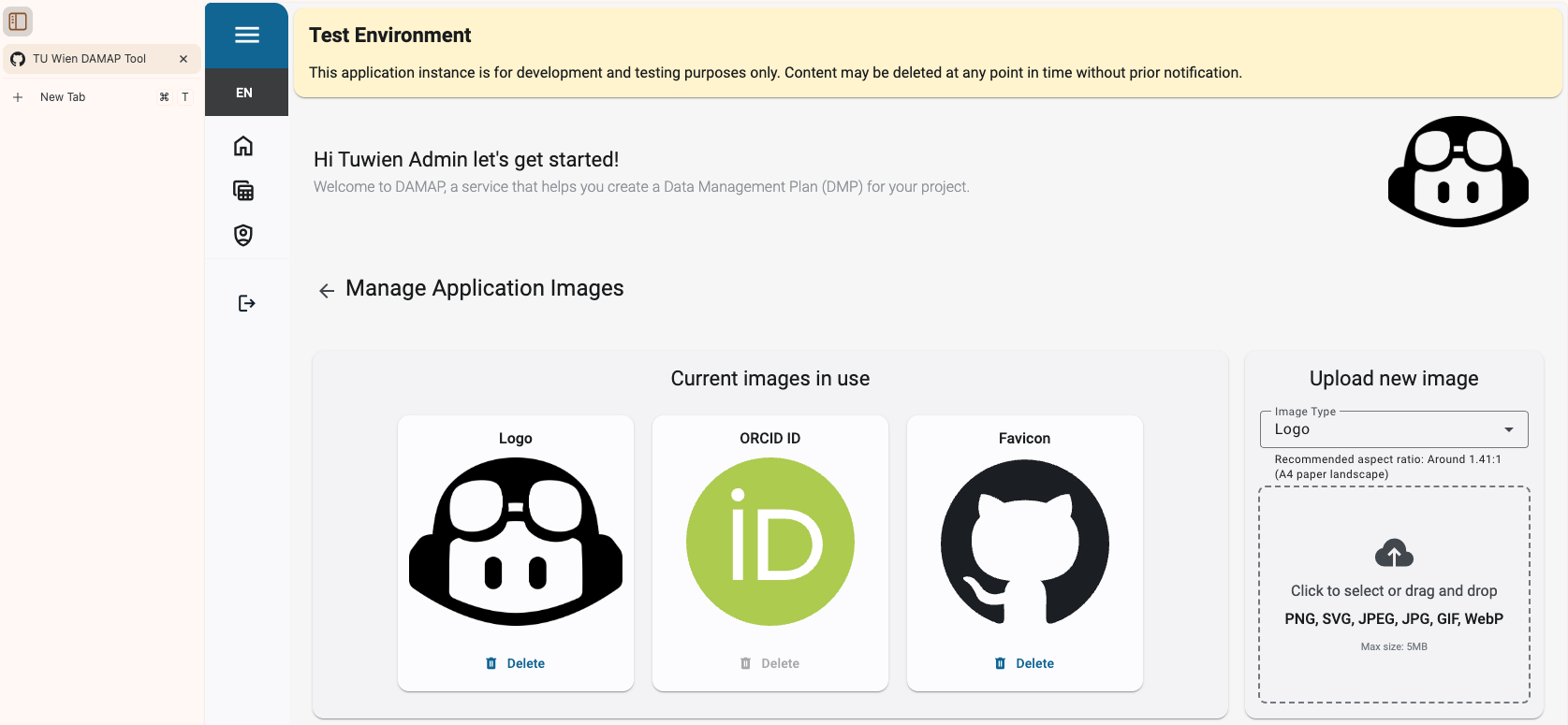
The page is divided into two parts: Image Showcase and Upload Section:
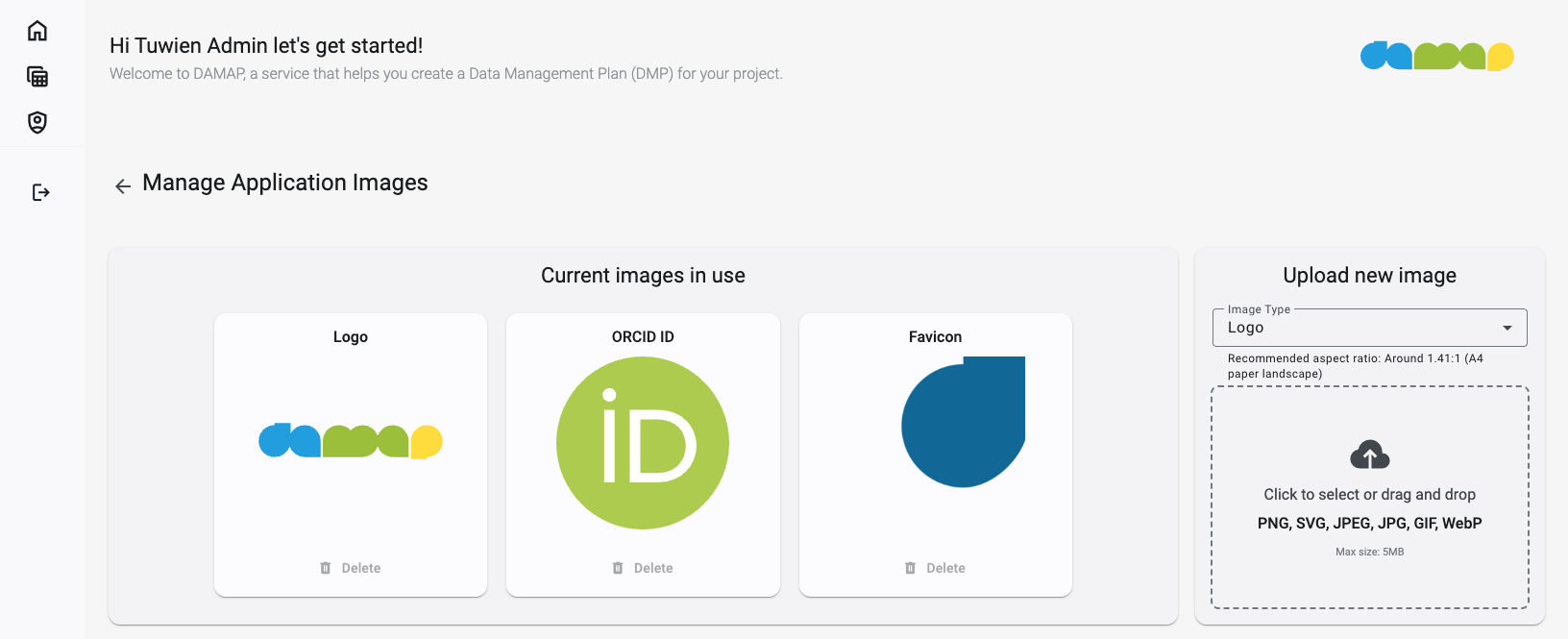
The Upload Section allows selecting which image to replace. An accompanied small text recommends a size or aspect ratio for the uploaded image (the recommendation comes from the default images). Images are capped at 5MB.
The Image Showcase displays the currently active images. Here you can either delete custom ones or click on them to automatically select the corespoding image type in the Upload Section.
Example
A customized application would look like this: